Cardboard Cat Scratcher
Project Details / Background
During my time at Maker Nexus over the summer of 2024, I spent a lot of time at the laser cutter helping kids in summer camps make their designs, but I never got much time to make a
project for myself. This project was a fun way for me to learn more about designing for laser cutting, and practice surface modeling in Solidworks. Below is my process for this project.
Image Gallery
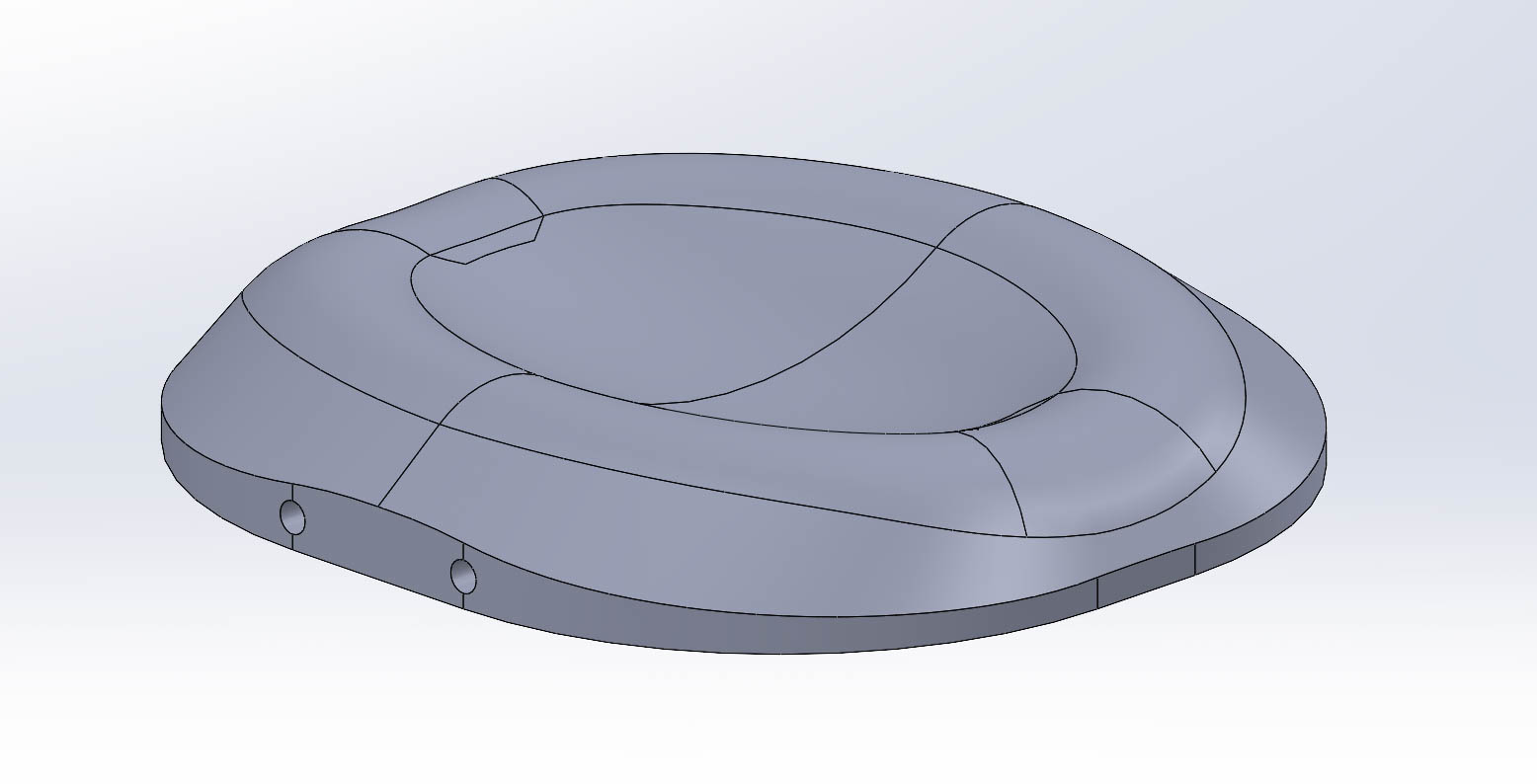 I started out by making a 3D model in Solidworks. The design is parametric, driven by a few key constraints like the depth of the bowl, and the width and length of the
base. There are also holes in the base for dowels used for aligning the layers of cardboard.
I started out by making a 3D model in Solidworks. The design is parametric, driven by a few key constraints like the depth of the bowl, and the width and length of the
base. There are also holes in the base for dowels used for aligning the layers of cardboard.
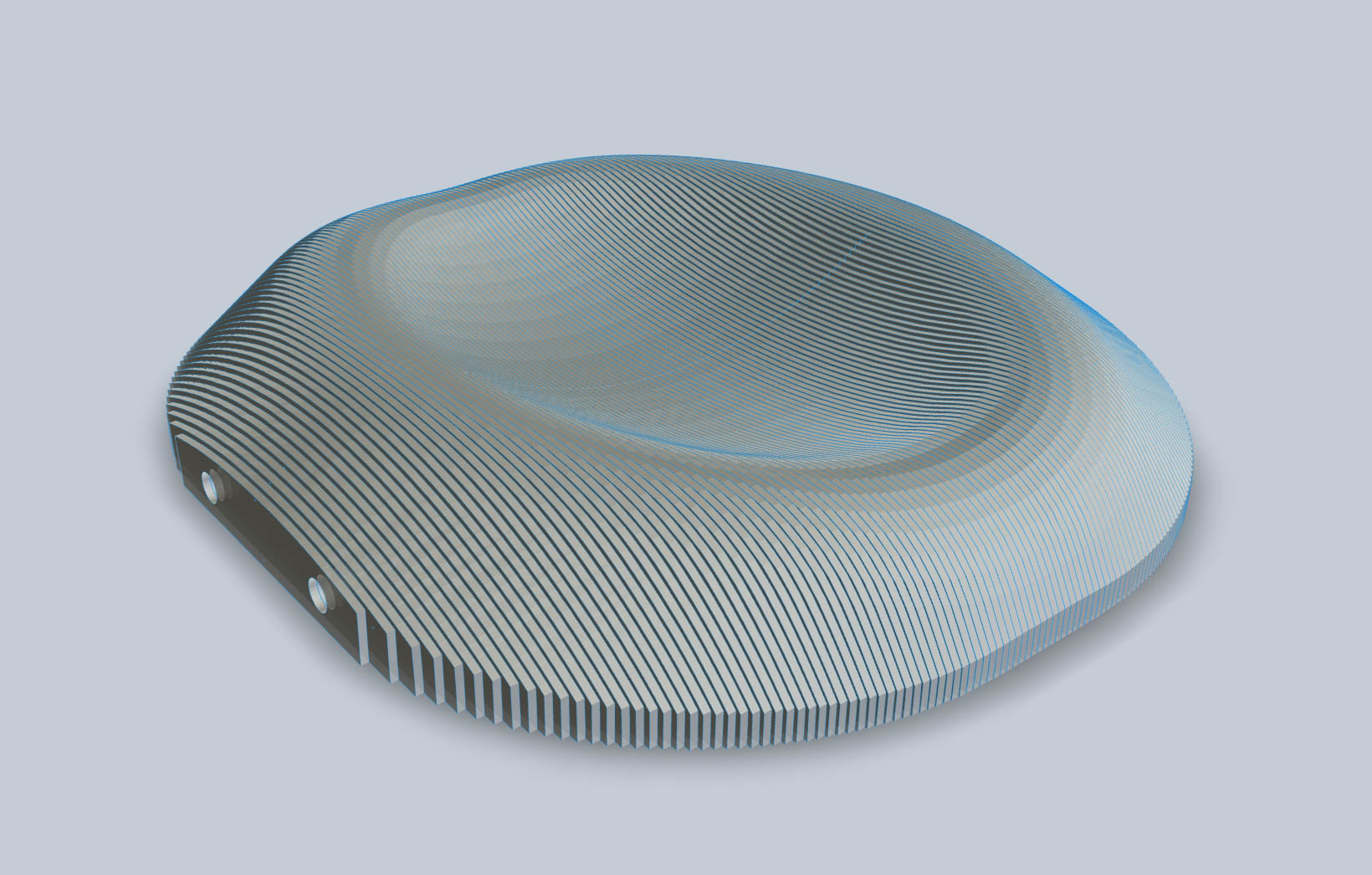 I used a free software called Slicer for Fusion 360 to split the 3D model into layers equal to the thickness of cardboard I got from recycled shipping boxes. Coincidentally
I got 100 layers, which I then exported as .dxf files to be cut out on the laser cutter at the UCSB Makerspace.
I used a free software called Slicer for Fusion 360 to split the 3D model into layers equal to the thickness of cardboard I got from recycled shipping boxes. Coincidentally
I got 100 layers, which I then exported as .dxf files to be cut out on the laser cutter at the UCSB Makerspace.
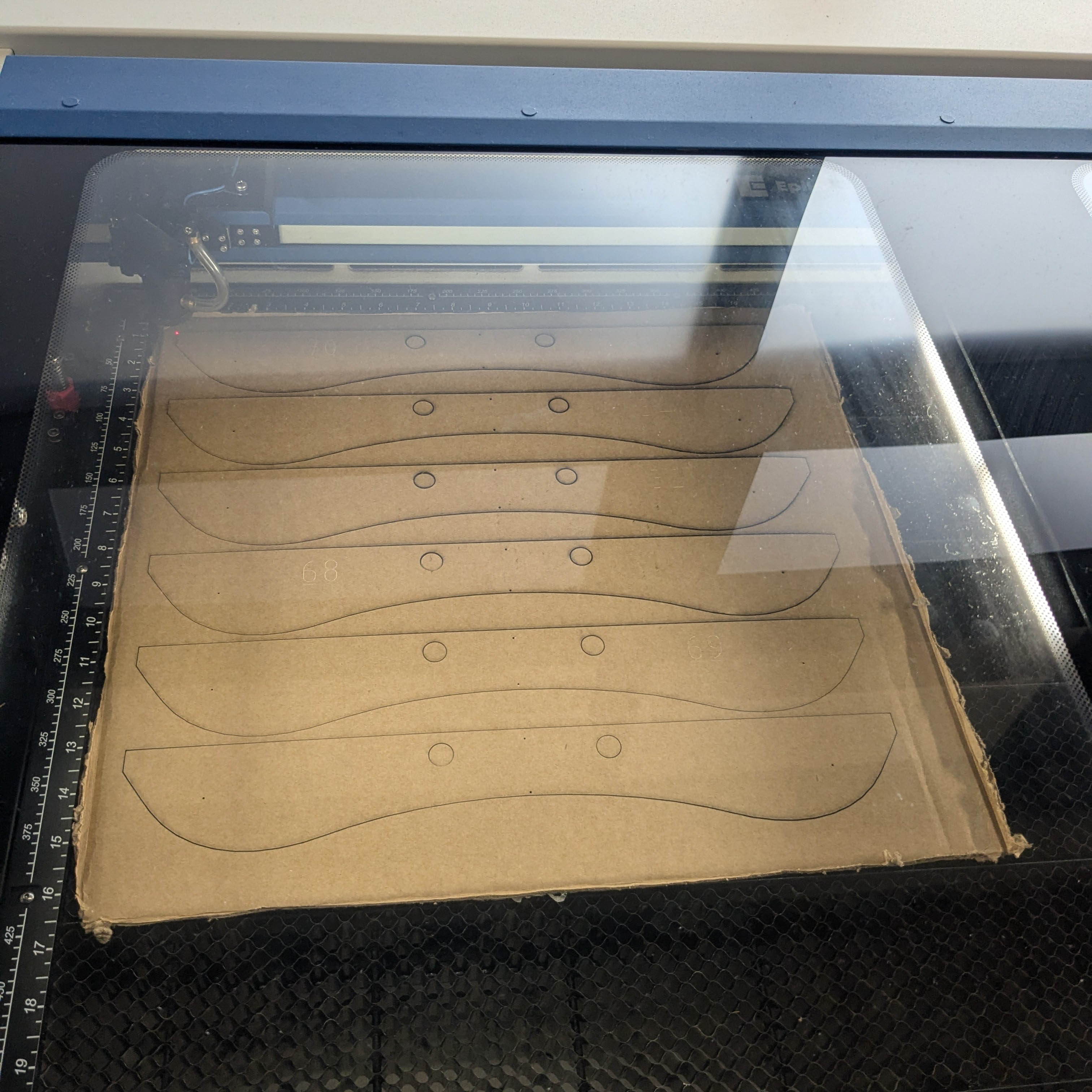 I spent a lot of time at the laser for all of the layers to be cut out. If I were to make this again, I would look for an
alternative cutting method because the fringes in the cardboard retained a burned smell for quite a while. However, once it went away the result was better than I expected.
I spent a lot of time at the laser for all of the layers to be cut out. If I were to make this again, I would look for an
alternative cutting method because the fringes in the cardboard retained a burned smell for quite a while. However, once it went away the result was better than I expected.
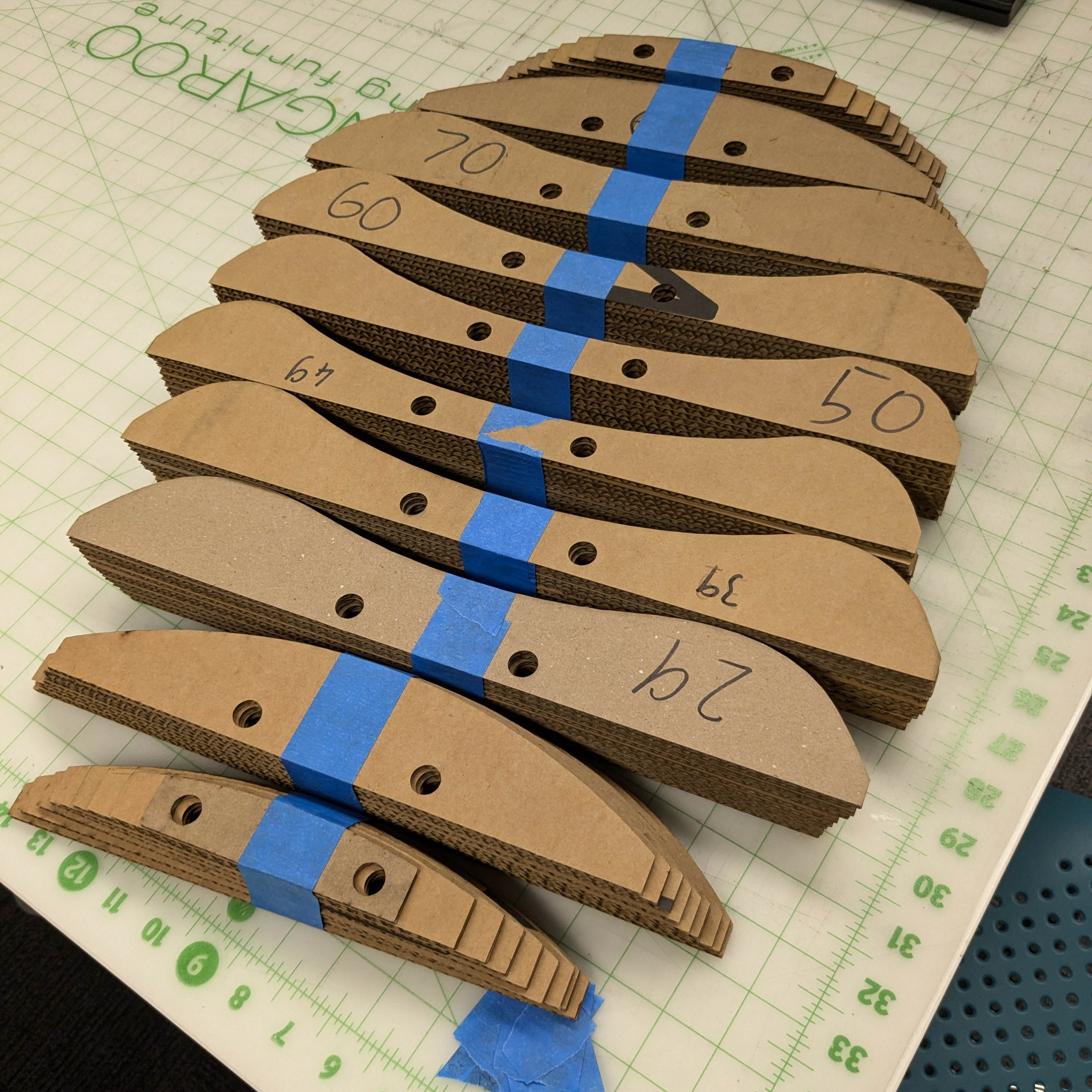 After cutting out all of the slices, I arranged them by their assigned numbers to make assembly easier.
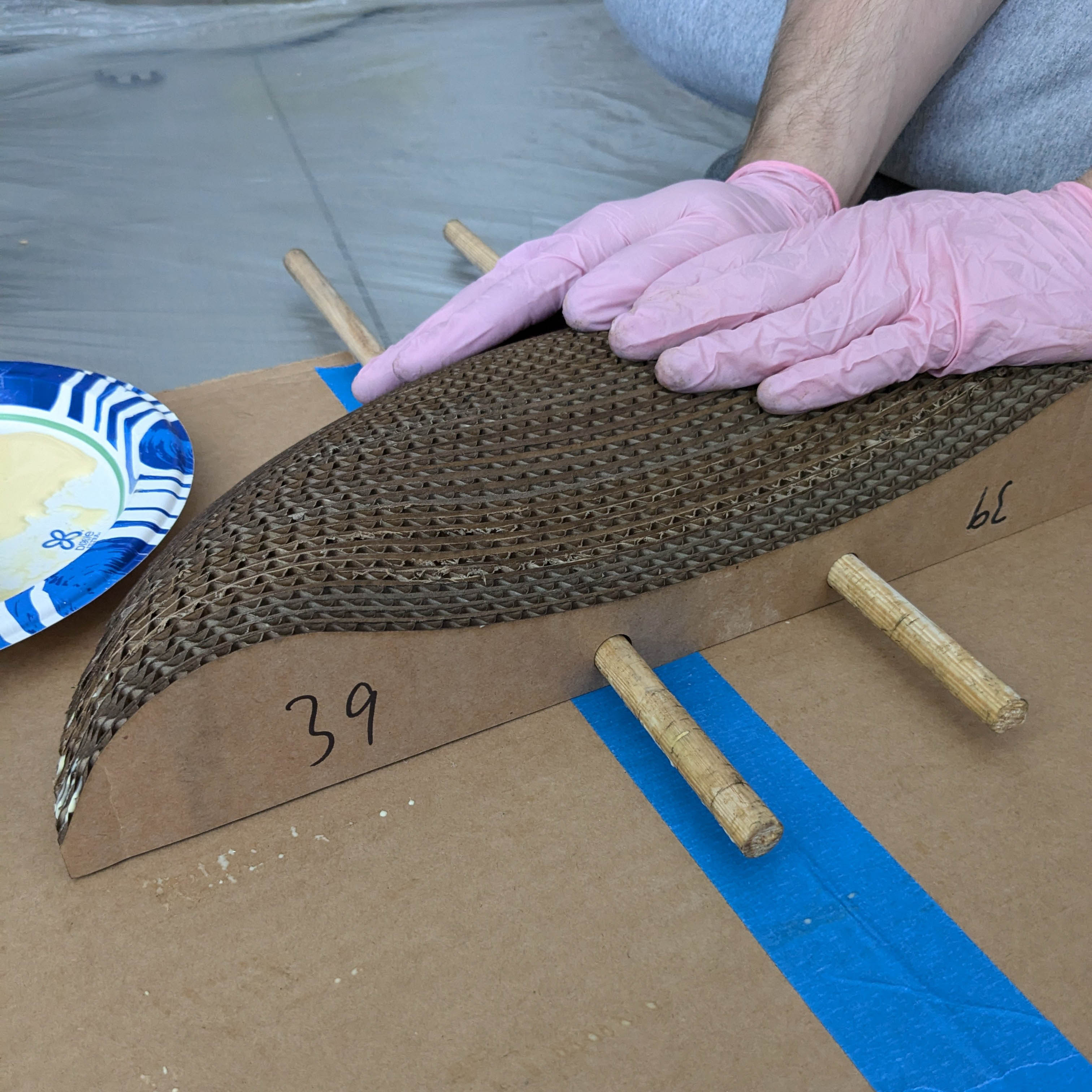 I used wood glue to put all the slices together.
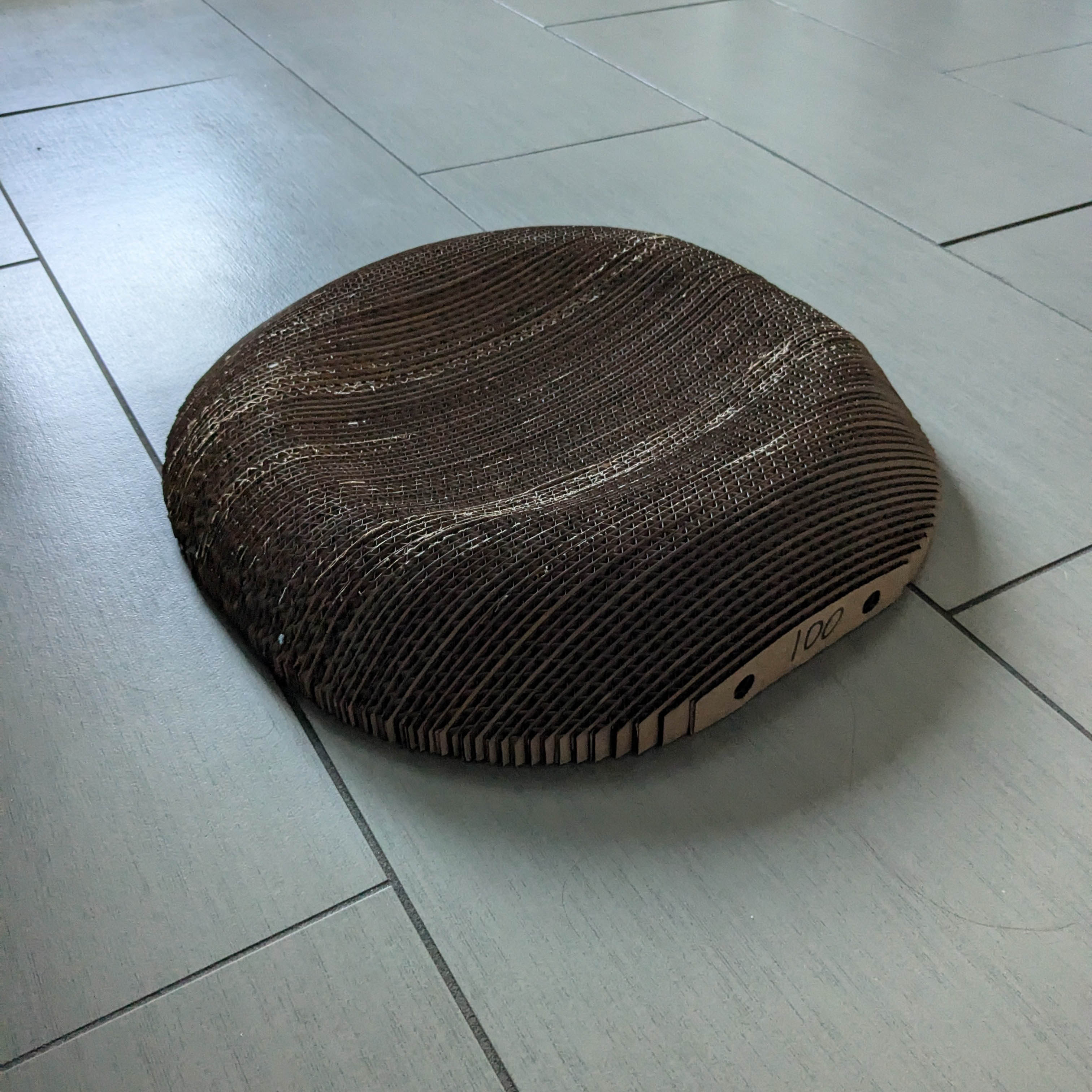 After waiting for the glue to dry, the scratcher was very sturdy. However, it took quite a while of leaving it in front of a fan for the smell of burned cardboard to wane.
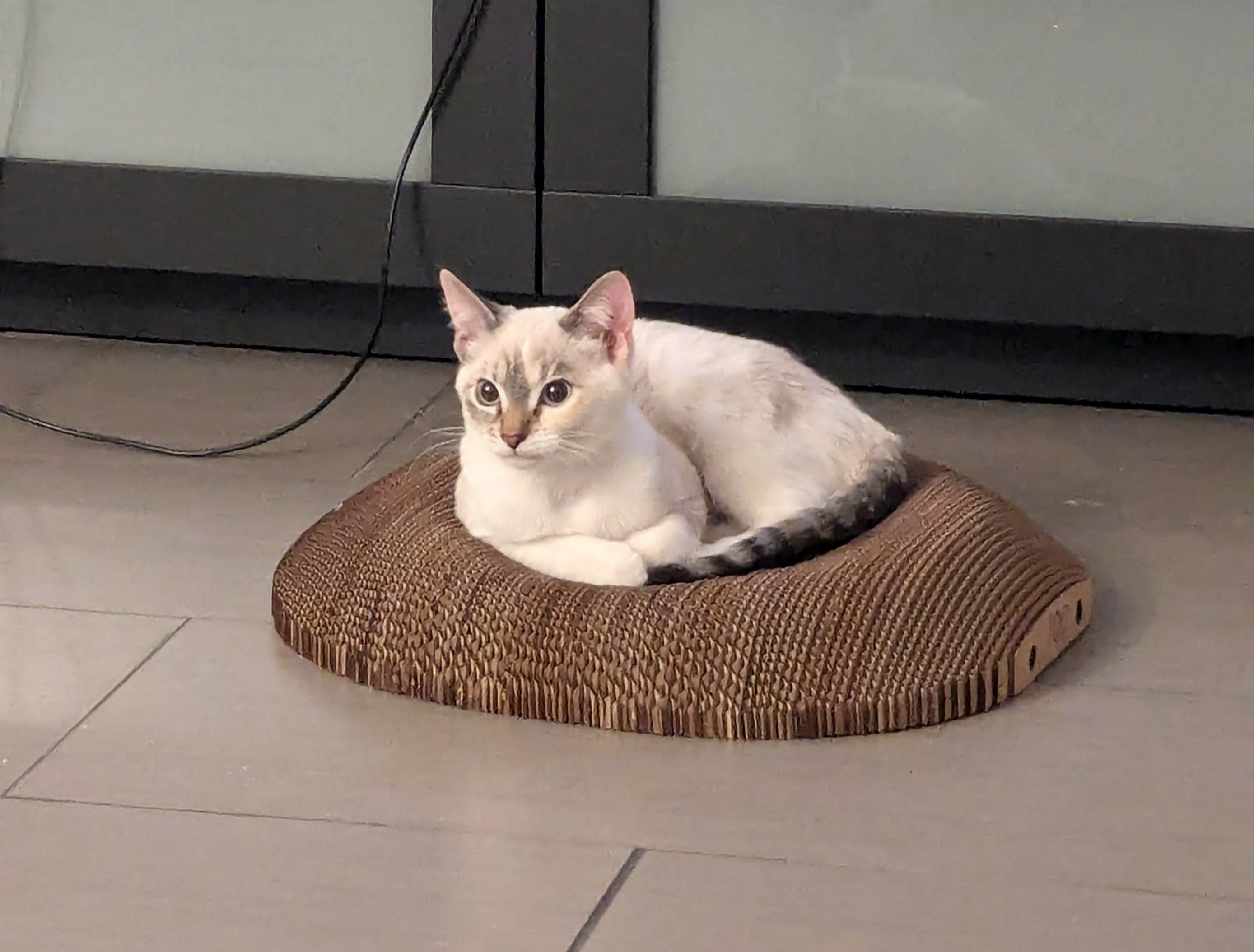 Once the smell had subsided even more, the new user of this scratcher started showing some interest. If I were to make this again, I would definitely use another tool to
cut the cardboard, and I would try to make the scratcher bigger (provided I have enough cardboard to do so).
Once the smell had subsided even more, the new user of this scratcher started showing some interest. If I were to make this again, I would definitely use another tool to
cut the cardboard, and I would try to make the scratcher bigger (provided I have enough cardboard to do so).